Device lineup
- Wi‑Fi + Cellular with SIM backup
- Compatible with Platemates POS & Kiosk modes
- Optional stand and receipt printer
- Wi‑Fi + Cellular with SIM backup
- Rugged case options for kitchen use
- Works with Platemates KDS & POS apps
Use your own device
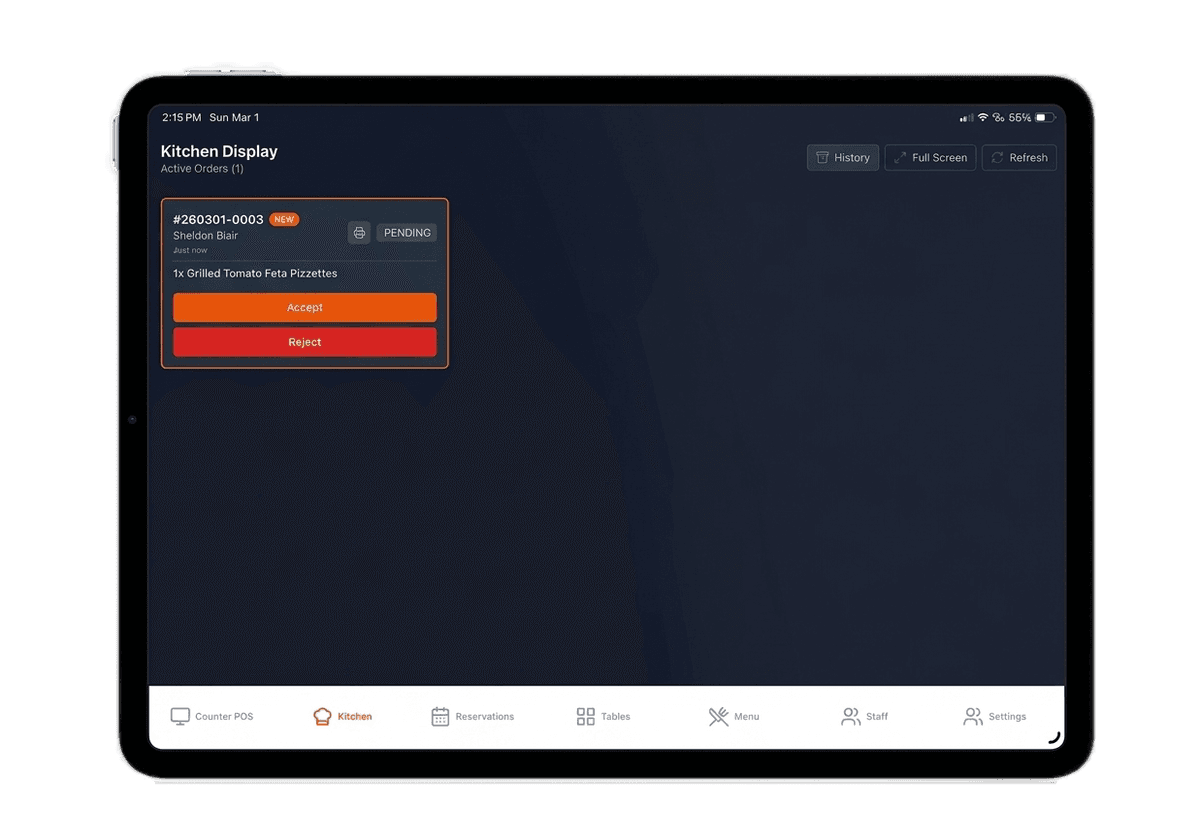
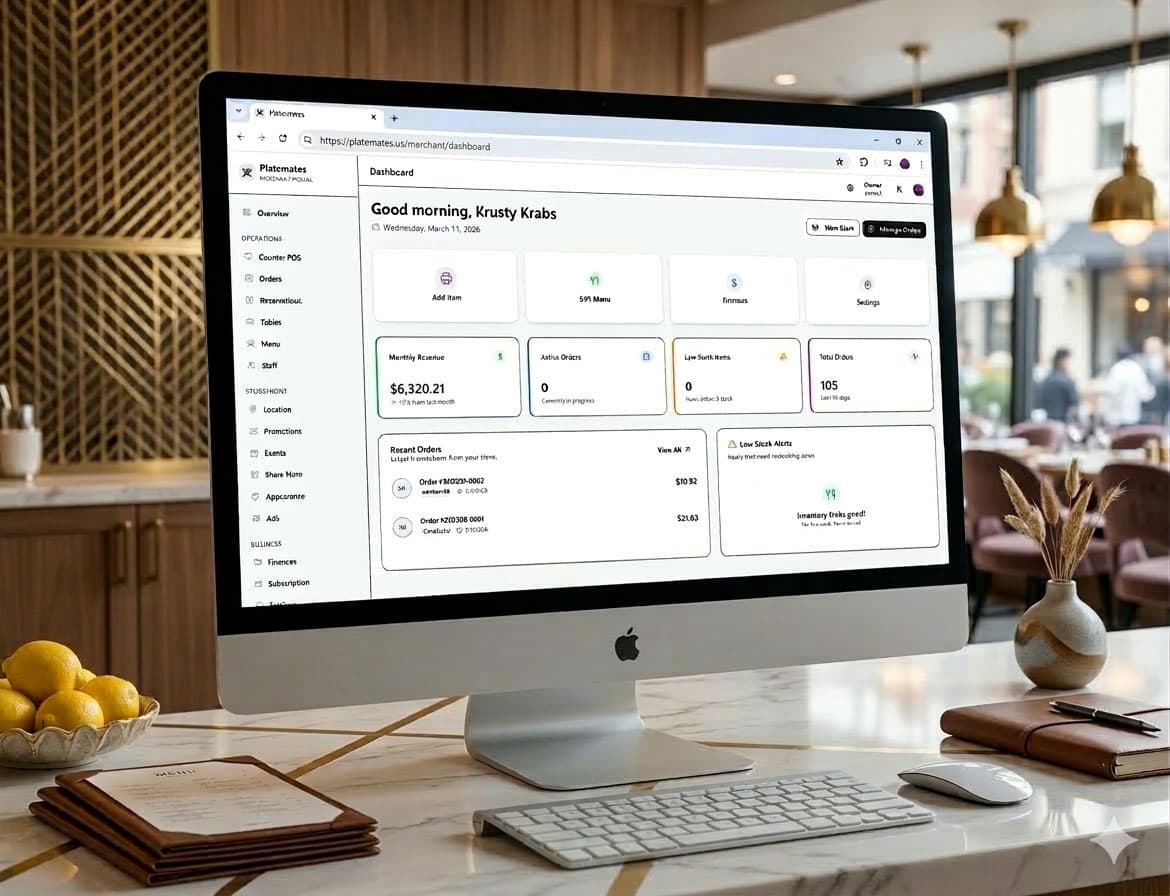
Already have a tablet or computer? You’re good to go. Platemates Merchant KDS runs great on Android tablets, iPad, and modern browsers on desktop.
Download Merchant KDS from the Downloads page.
Use your Merchant account and activate the station.
Place at the line. Enable sounds and brightness.
- 8"–11" display, 3GB+ RAM
- Wi‑Fi with optional SIM backup
- Rugged case or stand for BOH
- Keep screen bright and awake during service
- Enable notification sounds for new orders
- Mount where staff can easily reach

Stripe compatible readers
Integrated payments for Platemates POS and Kiosk. Order from Stripe and pair in your Dashboard.
Countertop smart reader for fast, reliable front‑of‑house checkout.
- Best for countertop POS and kiosk stations
- Works with Platemates POS and Kiosk payment flows
- Order from Stripe; pair in Dashboard → Payments
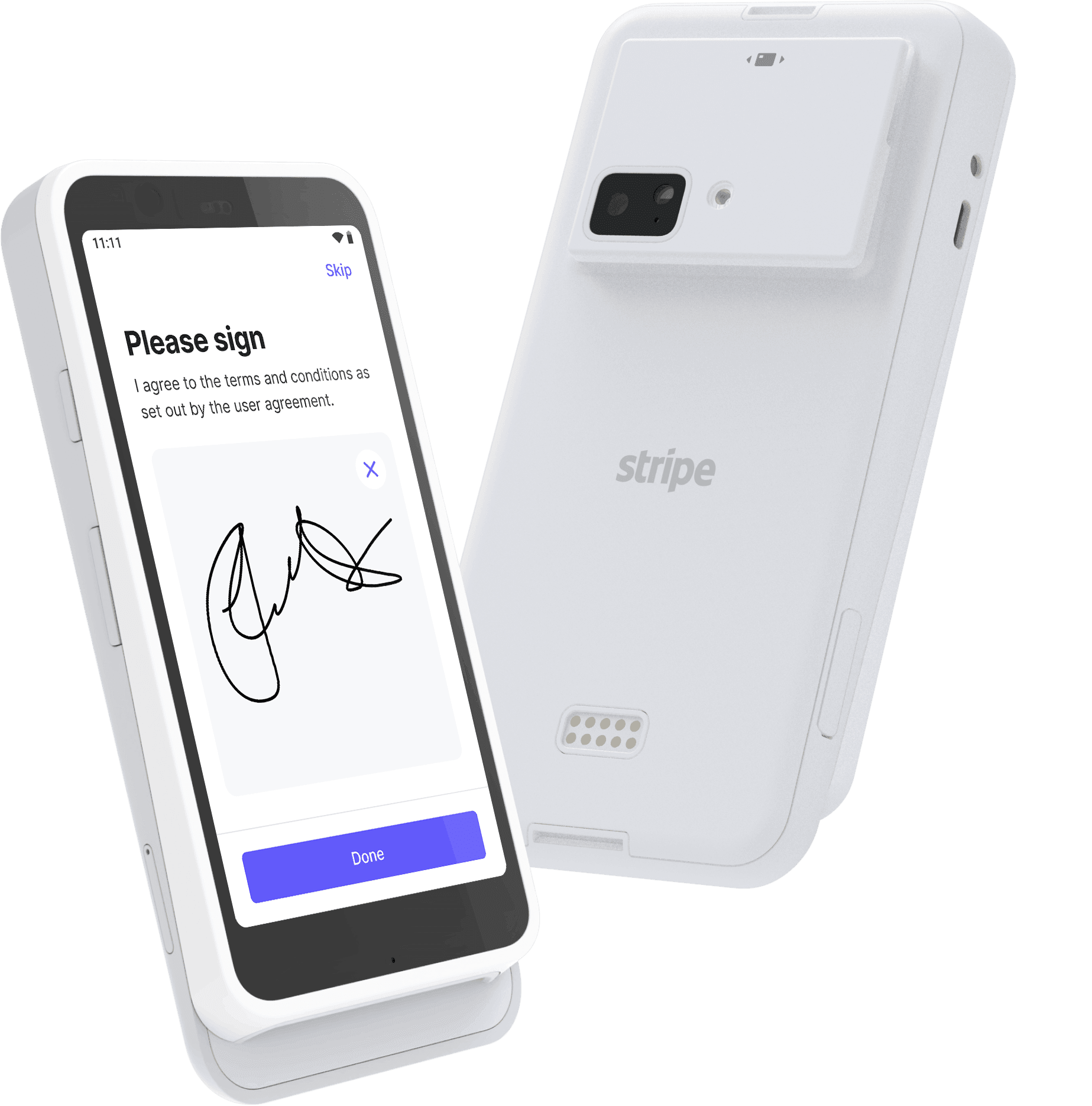
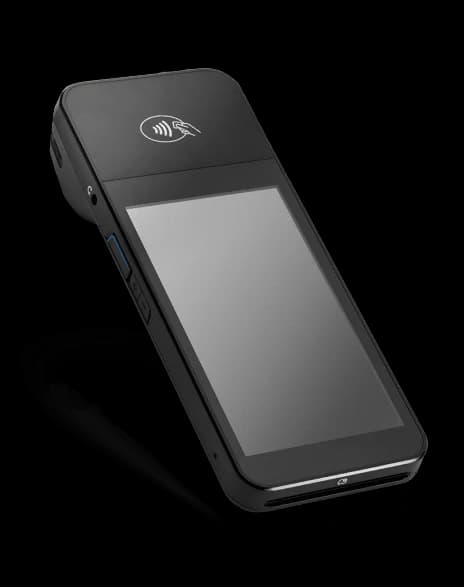
All‑in‑one mobile terminal for tableside and line‑busting payments.
- Portable for tableside service and outdoor events
- Works with Platemates POS mobile payment flows
- Order from Stripe; pair in Dashboard → Payments
Purchase vs Lease
Choose the model that fits your cash flow and rollout plan. Both options ship ready for service.
- One‑time payment; own the hardware
- Optional SIM backup data plan
- Standard warranty; extended coverage available
- Best for long‑term ownership and fixed locations
- Backup data via SIM included
- 12/24/36‑month terms; upgrade or buyout options
- Maintenance and device replacements available
- Ideal for pilots, seasonal sites, and rapid scale
Purchase: yours forever. Lease: return, upgrade, or buyout.
SIM backup data optional with purchase; included with lease.
Warranty on all devices; extended and replacement services available.
Always connected
Cellular backup keeps KDS, POS, and kiosks online when Wi‑Fi drops. Seamless failover; no action required.
Nationwide LTE coverage across the US for reliable service in urban and rural locations.
- Optimized for busy kitchens and FOH
- Supports KDS, kiosk, and POS workflows
Devices switch to cellular when Wi‑Fi is unavailable so orders, payments, and updates continue.
- No manual steps; monitored from Dashboard
- Telemetry and alerts for connectivity events
- Simple terms; scale across locations
- Add/remove lines from the Merchant Dashboard
How it works
Choose tablets or kiosks and pick purchase or lease.
We preinstall apps and activate SIM backup data.
Track devices, payments, and connectivity in one place.
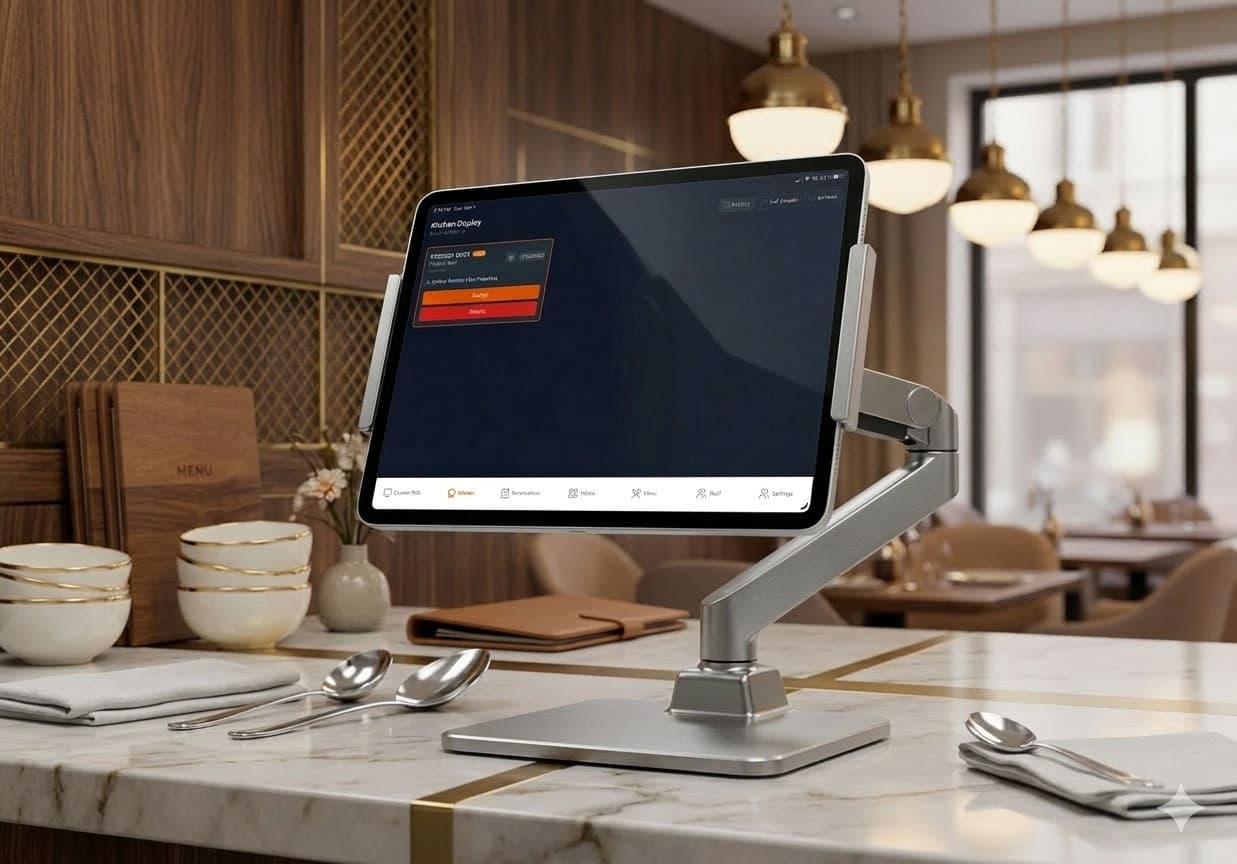
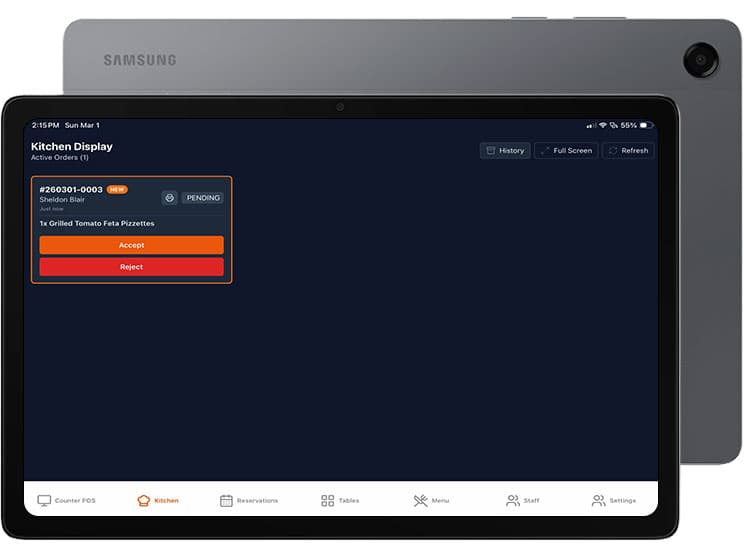
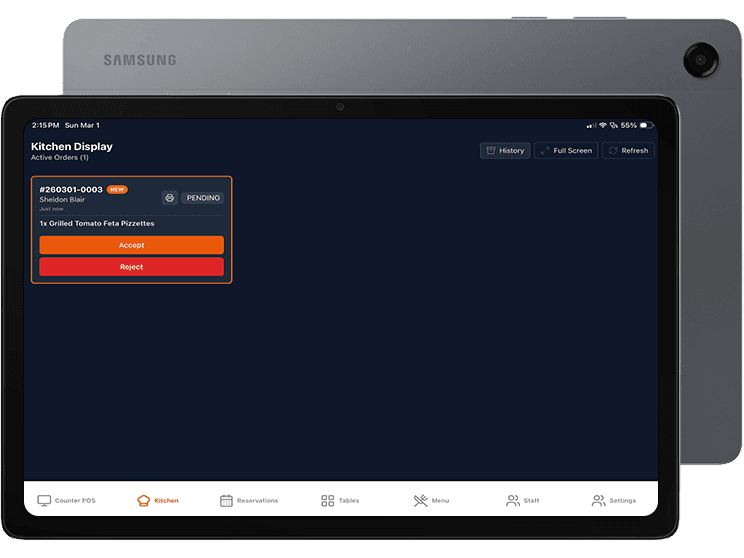
Samsung Galaxy Tab A11+ 5G for Platemates
Flexible FOH/BOH tablet with rugged options for kitchen use. Works great as KDS and POS.
- Wi‑Fi + 5G cellular with T‑Mobile backup data
- Large 11" class display for clear KDS visibility
- USB‑C and Bluetooth for peripherals (printer, scanner)
- Rugged case options for kitchen prep stations
- Runs Platemates KDS and POS apps
- Fast setup with preinstalled profiles and MDM support
- All‑day battery suitable for busy service hours
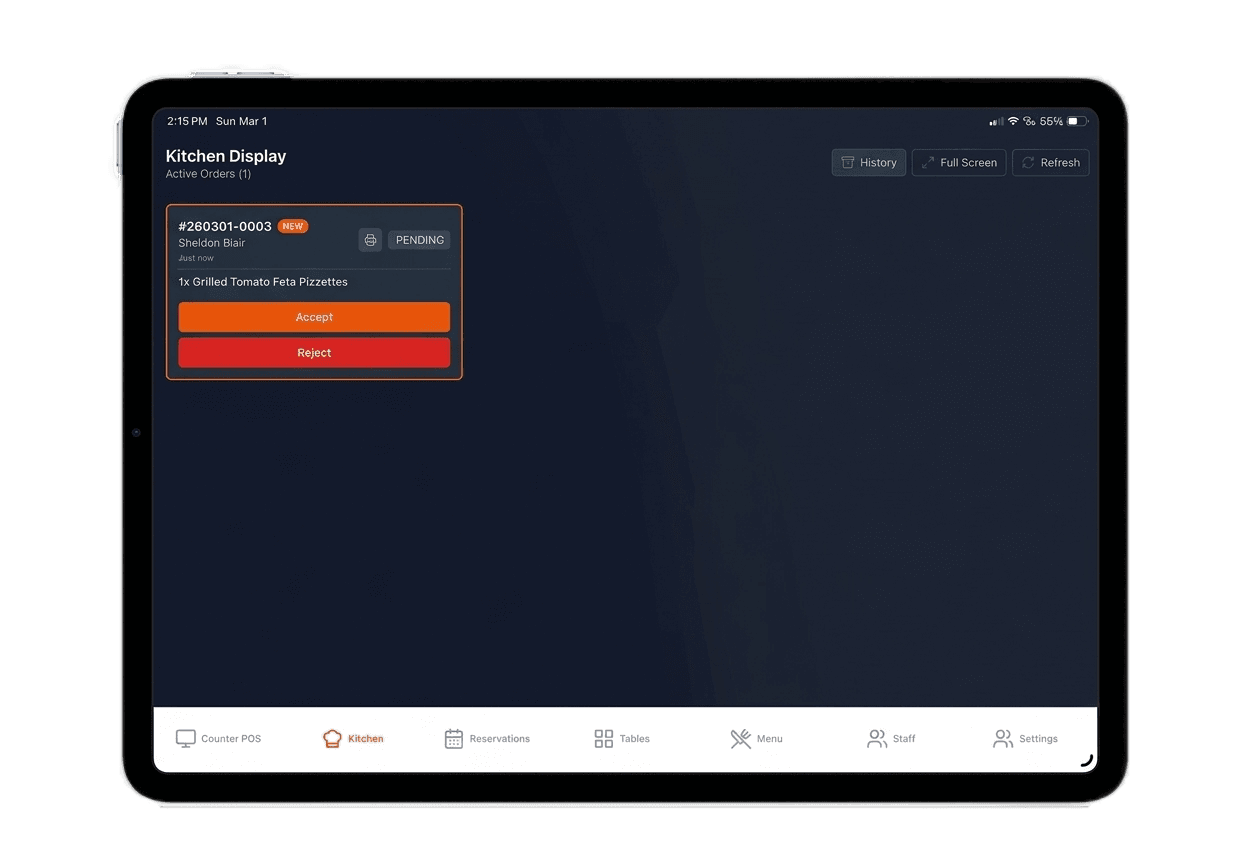
Apple iPad for Platemates
The versatile front‑of‑house tablet for menus, POS adjunct, and kiosk stand configurations.
- Wi‑Fi + Cellular with SIM backup data
- Works with Platemates POS and Kiosk modes
- Optional stand, receipt printer, and scanner
- Preinstalled apps; ready in minutes
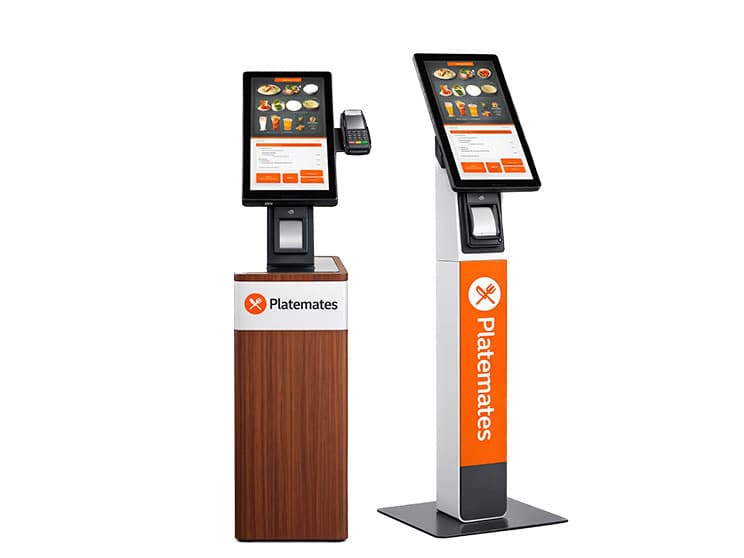
Self‑Ordering Kiosk
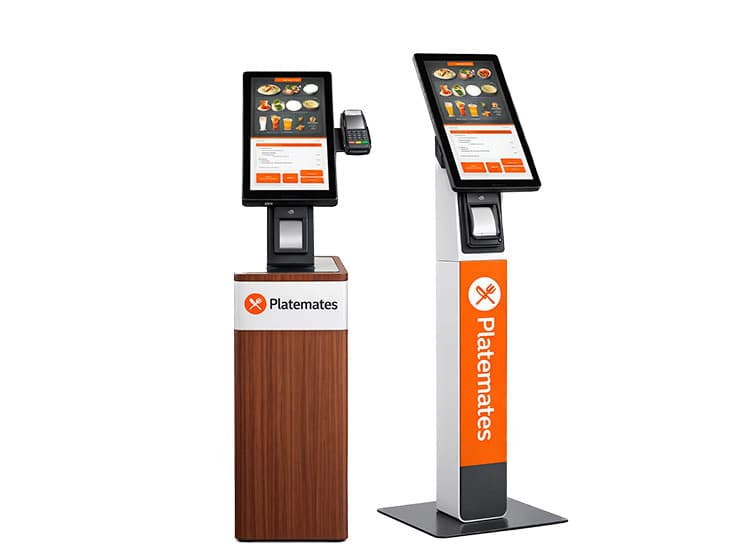
Table and free‑standing models with integrated payments and receipts. Built for fast, reliable self‑service ordering.
- Integrated payment terminal and receipt printer
- Optional barcode/QR scanner and front camera
- Wi‑Fi + SIM backup data for reliable connectivity
- Accessible design and customizable advertising